TipCatter

iOSSwiftUIGemini on Vertex AICloud RunFirestoreprint, cut, fold

One photo of your cat becomes a paper fortune teller, the folded toy you open and close with four fingers. An AI draws your cat from the front and again with its mouth wide open; you play with it on screen in 3D, then print, cut and fold the real thing. The idea came from my daughter. I built the iOS app, the AI service behind it and the website.
status
coming soon to the App Store
published by
theguaz · Luis Guajardo
role
founder, product, design & engineering
relation to .monks
none: an independent project
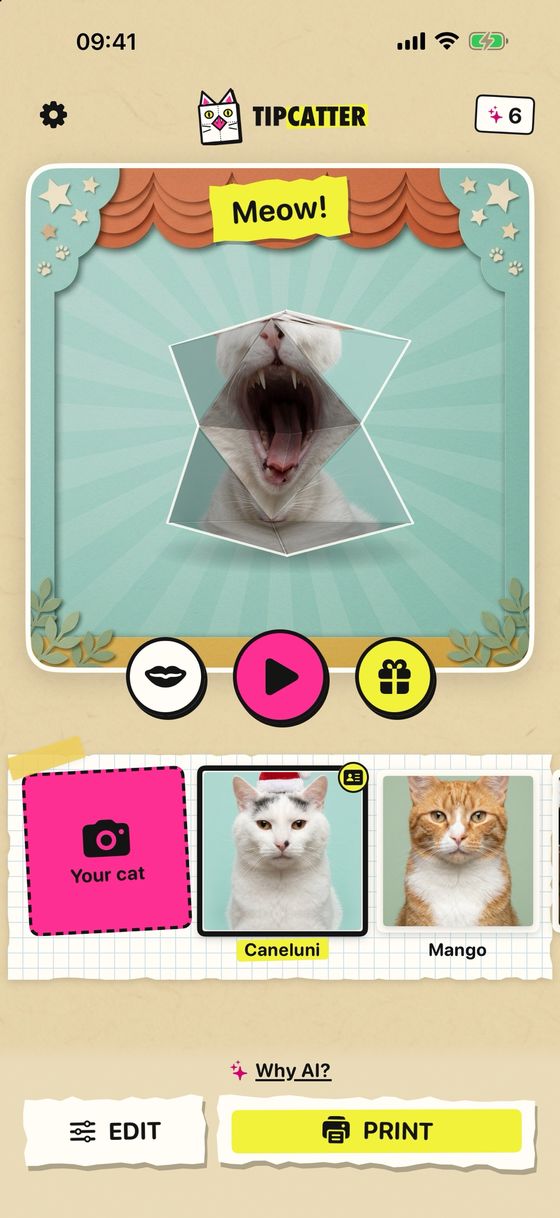
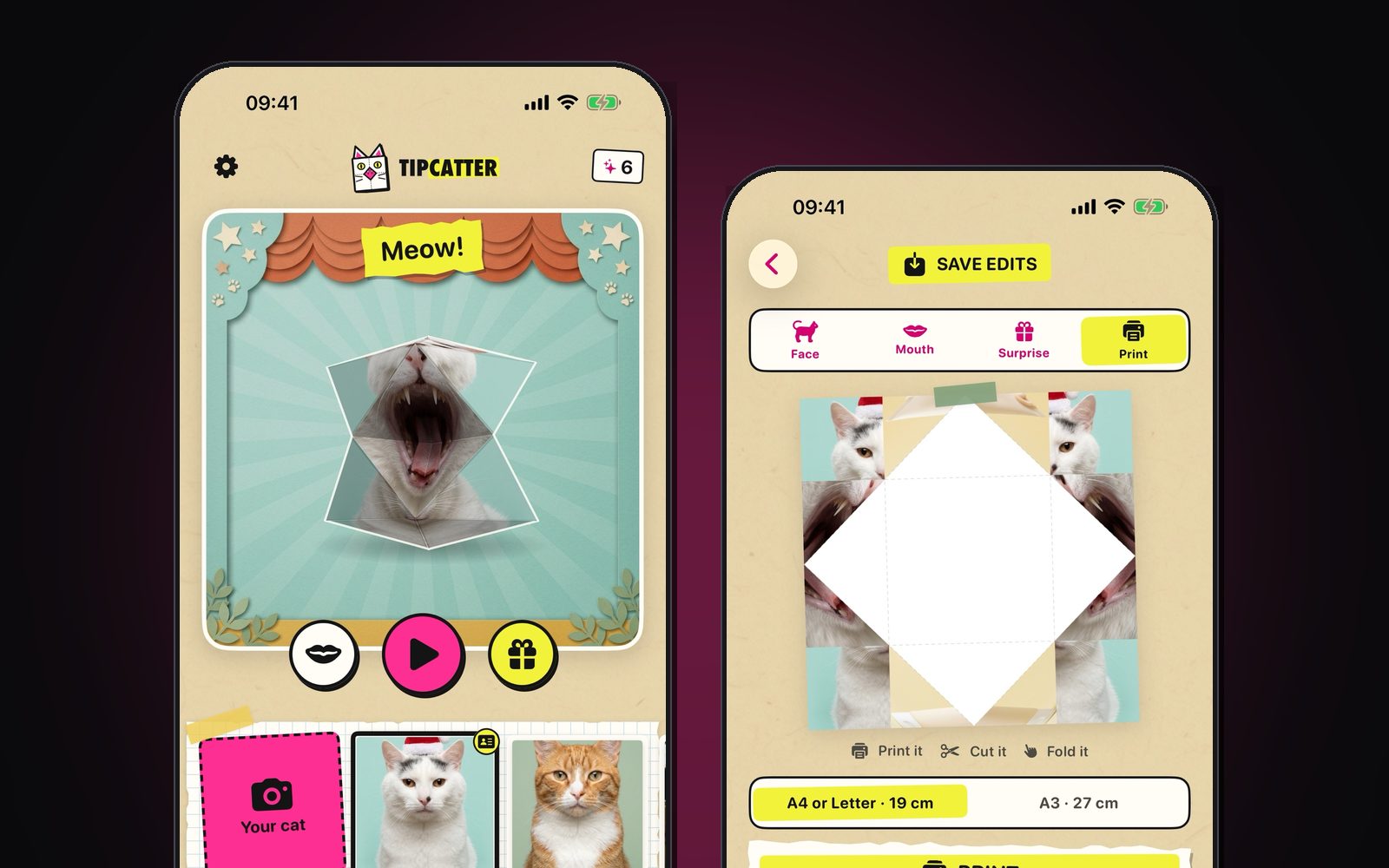
TipCatter on iPhone: the paper fortune teller saying Meow! next to the print-and-fold sheet

Real screenshots of the app: the toy on screen, ready to open, and the sheet you print.
A toy everyone folded as a kid

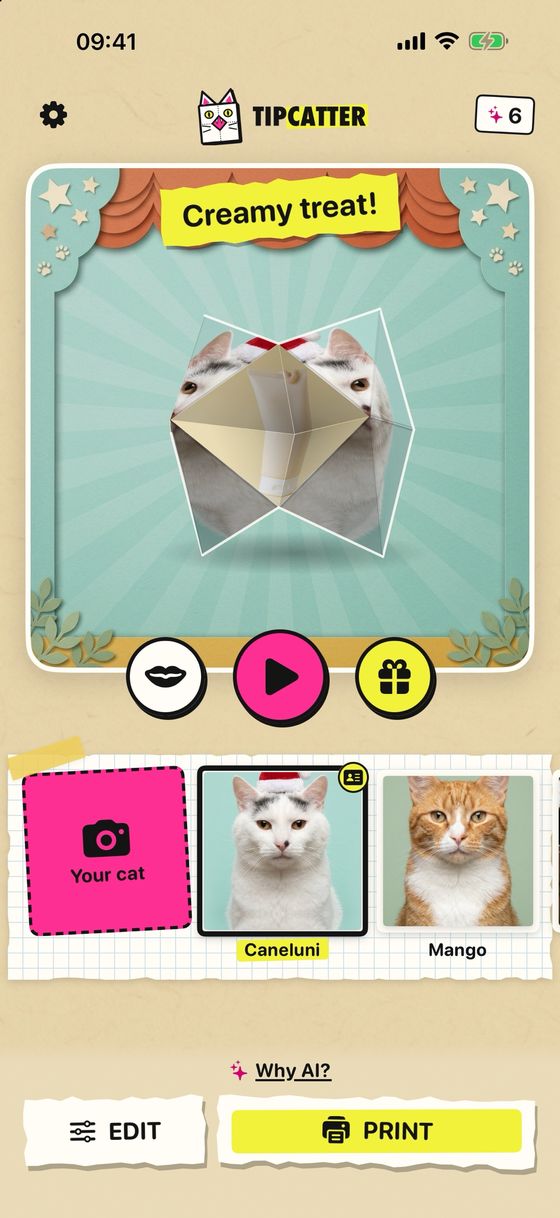
It is the classic paper fortune teller: fold a square of paper, slide in four fingers, open and close it. TipCatter puts your cat's face on it. Closed, you see the face. Open it up and down: meow! Open it sideways: surprise!

TipCatter in 20 seconds.

From one photo to a paper toy

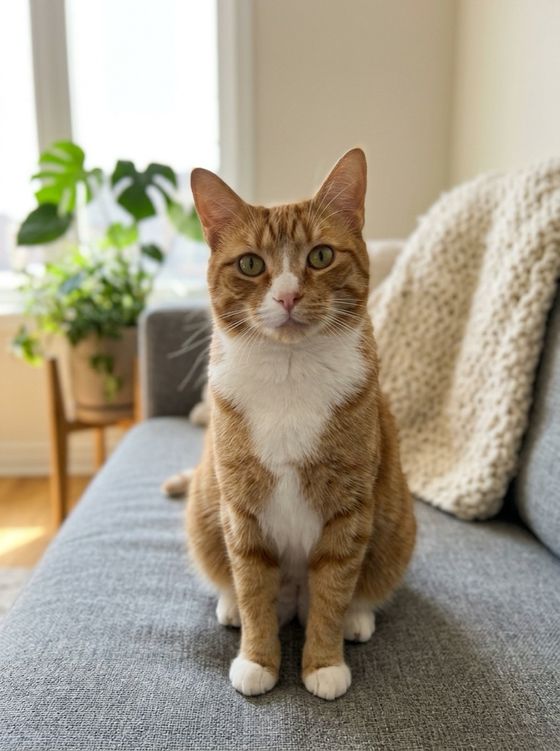
You pick a photo of your cat. The AI draws the toy: your cat from the front, and again with its mouth wide open. Then you play with it on screen and, if you like it, print the template and fold it.

A cat sitting on a sofa: the kind of photo you start with
1 · one photoAny photo of your cat, taken or picked from your library.
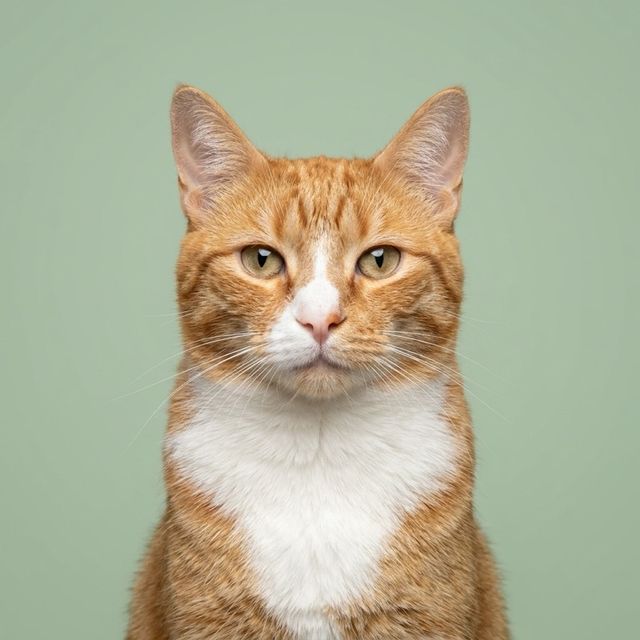
The AI's portrait of the cat from the front, on a green background
2 · the front portraitThe AI draws your cat from the front: this is the face of the closed toy.
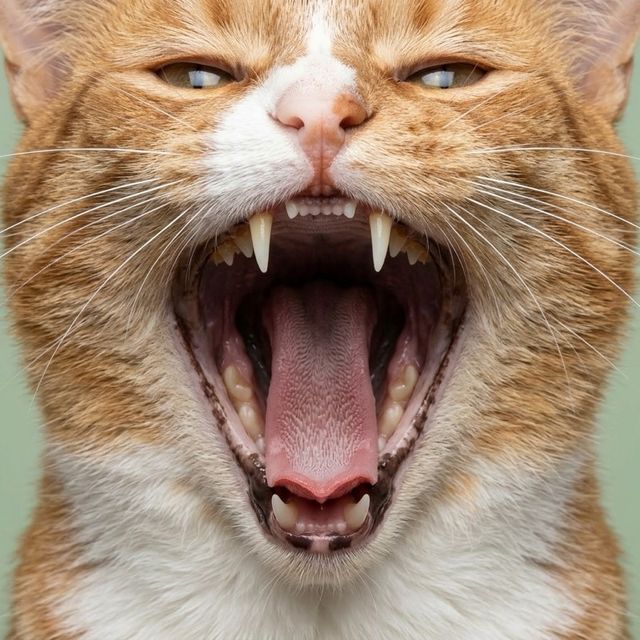
The AI's portrait of the same cat with its mouth wide open
3 · mouth wide openAnd again with its mouth wide open: what shows when you open the toy.
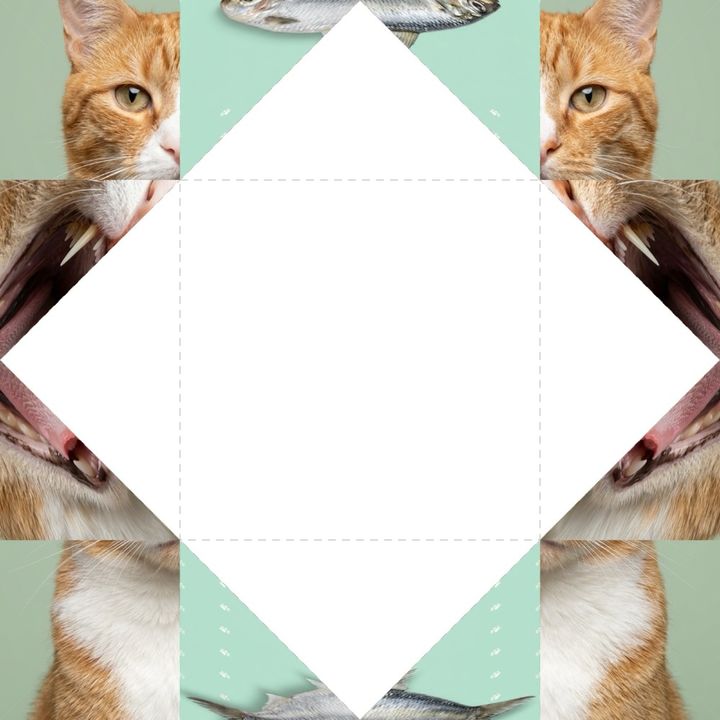
The printable template with the two portraits laid out around the fold lines
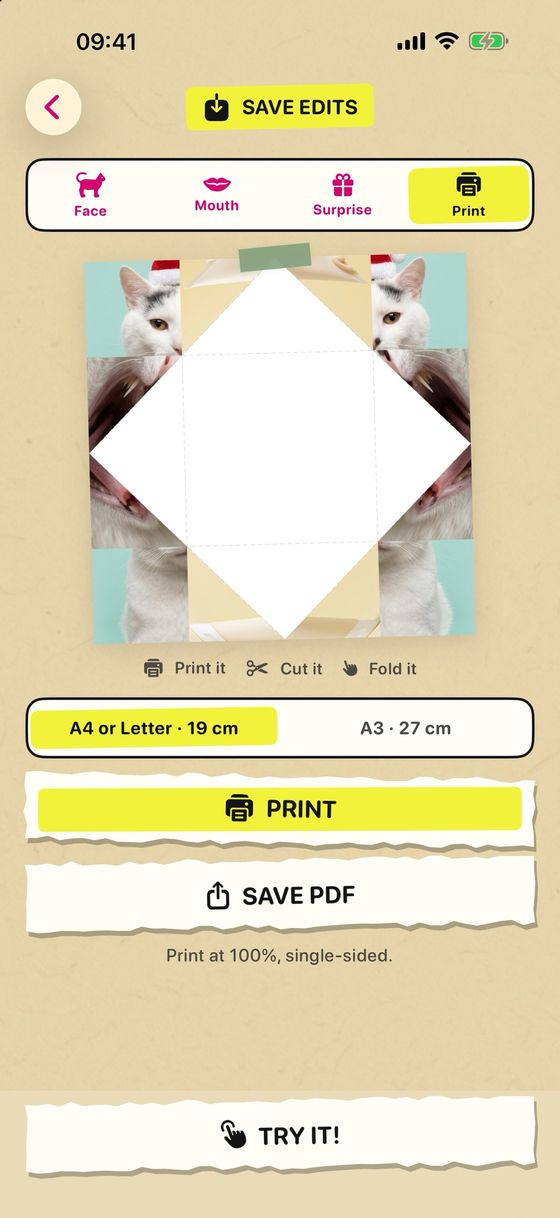
4 · print, cut, foldThe template on A4 or Letter, with the fold lines. Six folding steps and the real toy is ready.

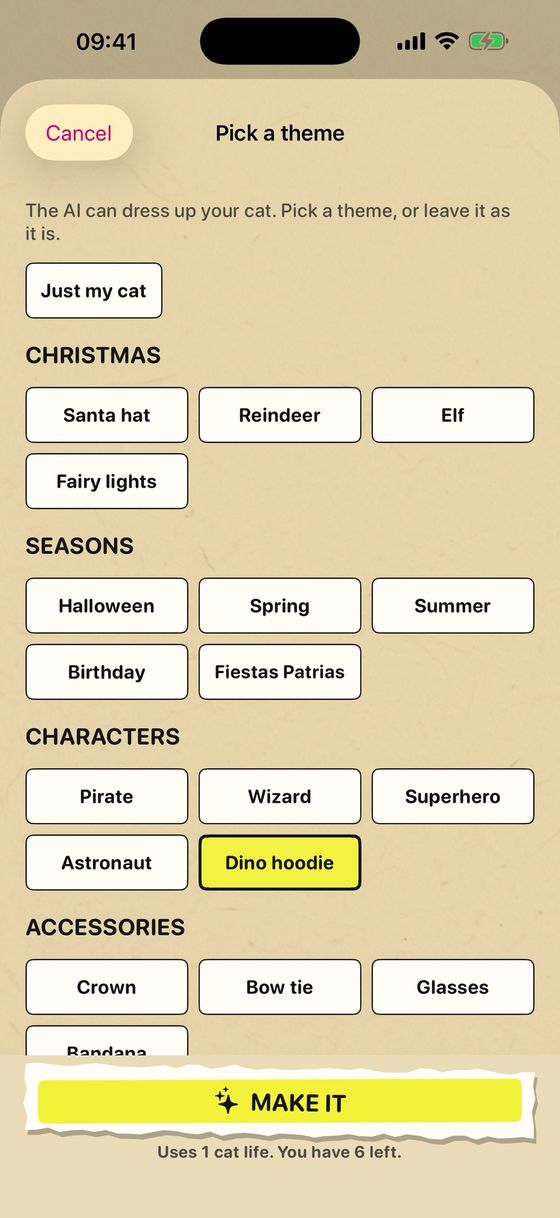
Inside the app: you open the toy in 3D, find the surprise hidden inside, dress your cat up with a theme and send the template to print.

The toy open up and down, with a Meow! banner
up and downMeow!
The toy opened sideways, showing a hidden surprise
sidewaysA hidden surprise.
The theme picker: Christmas, seasons, characters and accessories
themesDress your cat up, or leave it as it is.
The print screen with A4/Letter and A3 sizes
printPrint it or save the PDF.

An app, an AI service and a website

I designed and built all of it, end to end, and I run it too. There are three pieces.

The iOS app

Built in SwiftUI for iPhone. It takes or picks the photo, shows the toy on screen in 3D, lets you choose a theme and a surprise, and prepares the template to print. Purchases use StoreKit.

The AI service

A Python API on Cloud Run that calls Gemini models on Vertex AI to draw the two portraits. Accounts and the generation balance live in Firestore, and Cloud Run keeps no photos.

Limits on purpose

The server refuses photos without a cat or showing a person's face, each account has a balance of generations and there is a daily cap overall, so the AI spend cannot run away.

Your photo and the AI

If you let the AI make the toy, the photo is sent to our server and to Google's Gemini models to create the pictures. If you would rather nothing leaves your phone, you can make the toy yourself with two photos.

Where it stands

TipCatter is with Apple for review and is coming soon to the App Store. Until then, the app's own site has the video and its privacy policy. If you want to talk about the app, write me.

TipCatter is an independent theguaz project. I design, build and run it myself, and it has nothing to do with my work at .monks or with any client.